
POS system
A Practical POS System for Sales, Stock and Payments
Checkout, stock, cashier shifts and payment records in one easy-to-use point of sale, set up around how your shop runs.


DIRECT ANSWER
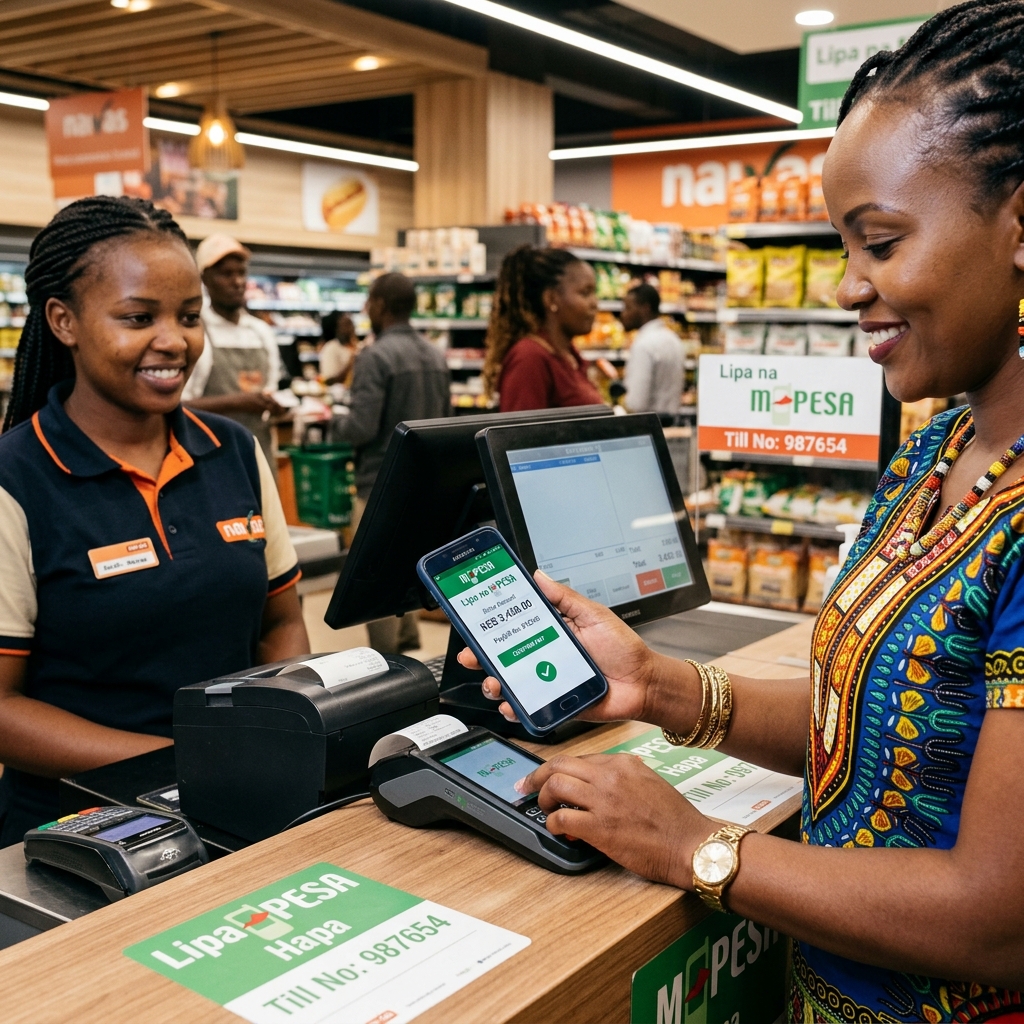
MobileSync POS gives retailers, restaurants and service businesses one clear place to record sales, manage stock, monitor cashiers and review performance. It can be configured around branches, products, permissions and payment methods.
Separate receipt books, spreadsheets and payment messages make daily reconciliation slow and stock levels unreliable. A connected POS reduces duplicate work and gives managers a clearer view of every transaction.
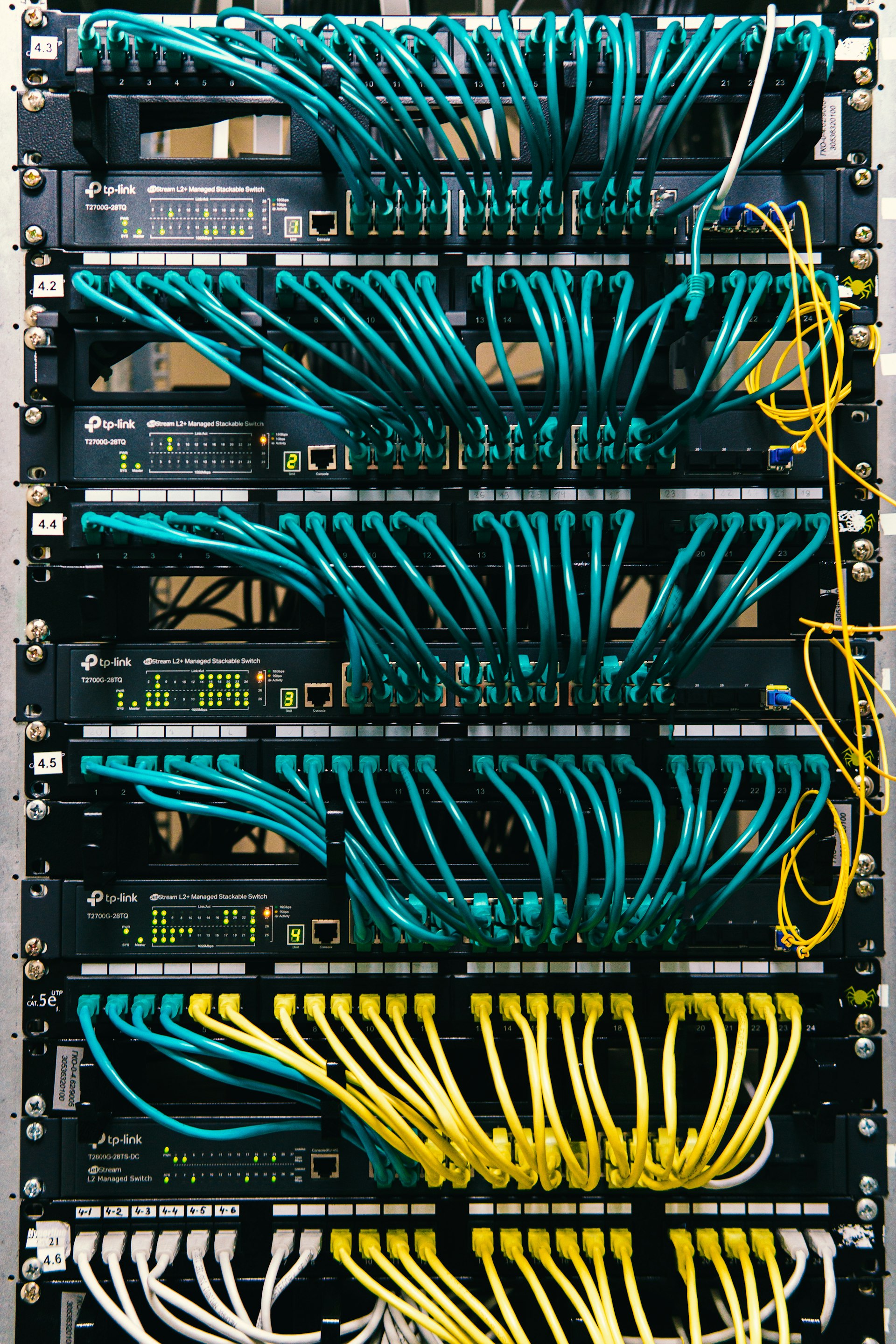
End-to-end connectivity between business systems, MobileSync gateways, service providers, and target users.
SOLUTION PLAN
Exact scope depends on verified access, technical requirements and compliance rules. These steps help your team prepare for a focused conversation.
Map products, branches, staff roles and the current checkout process.
Configure the catalogue, inventory rules, receipts, taxes and payment methods.
Import opening stock and test sales, returns, shifts and reports.
Train users, launch by branch and review daily reconciliation.
POS SYSTEM AT A GLANCE
Agree who can void sales, give discounts or adjust stock, back up sales data regularly, and test receipts, returns and shift closing before the first trading day.
PLANNING GUIDE
Start by documenting the current process, the people responsible for it and the result the organization needs to improve. Record message volumes, payment events, user journeys, approval steps, existing software and the exceptions staff handle manually. This gives MobileSync enough context to recommend a realistic POS System scope instead of a generic technology package.
Agree how success will be measured before launch. Useful measures include end-of-day reconciliation time, stock variance between counts, out-of-stock incidents and how quickly managers get branch sales reports. A focused first release makes it easier to test assumptions, protect customer data and decide what should be automated next.
SEE THE WORKFLOW
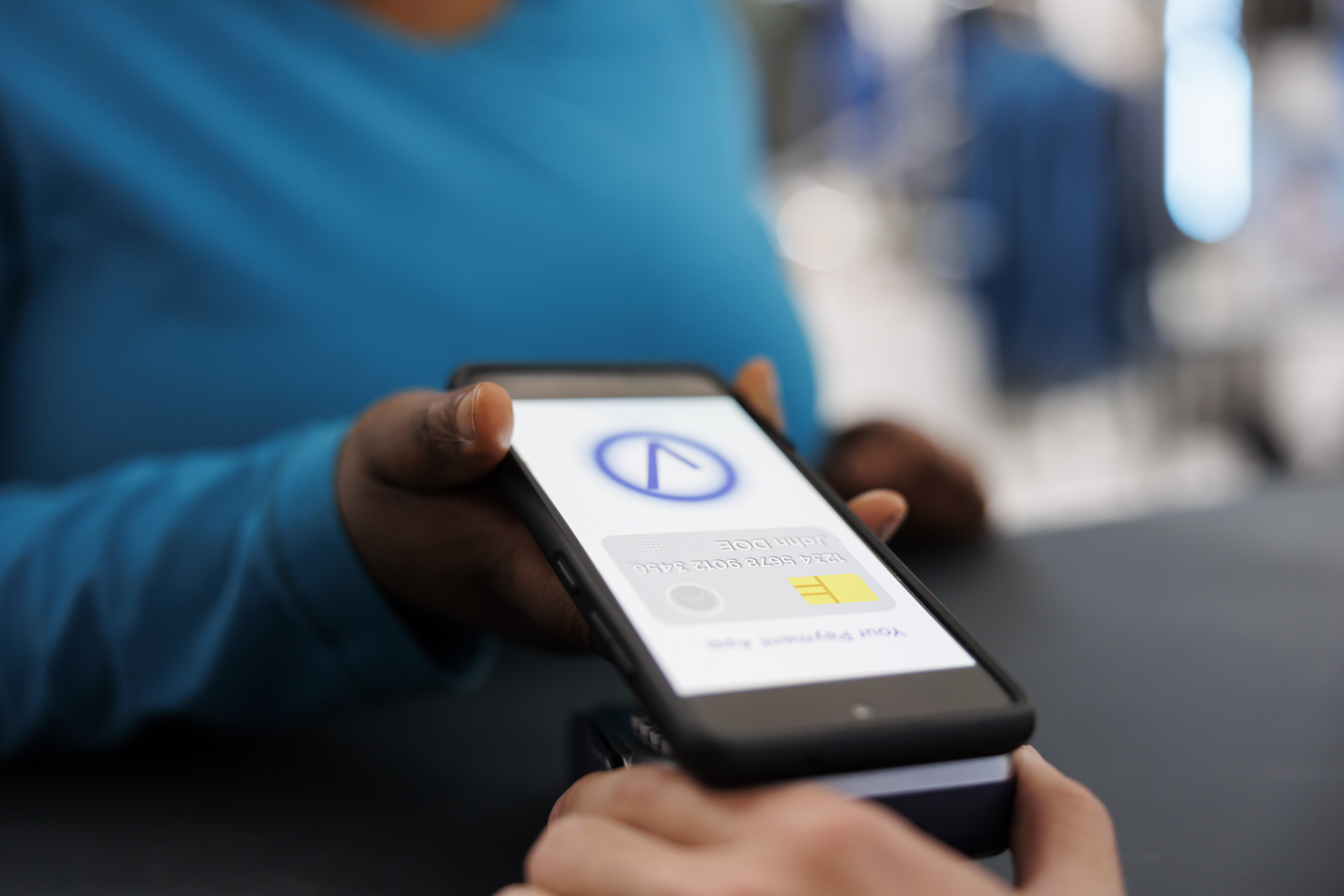
Move through the examples to see the customer experience, planning process and connected system behind the service.


FAQS
Short answers for decision makers who need clarity before booking a demo or consultation.
RELATED SOLUTIONS
Compare complementary solutions when your challenge crosses messaging, payments, mobile access or systems.

GET STARTED
Tell us about your project goals. Our solutions team will review your requirements and provide a personalized recommendation.