

💡 Key Decision Question
How much time and revenue is your team losing to manual Paybill SMS verification?
1. The Hidden Cost of Manual MPESA Verification
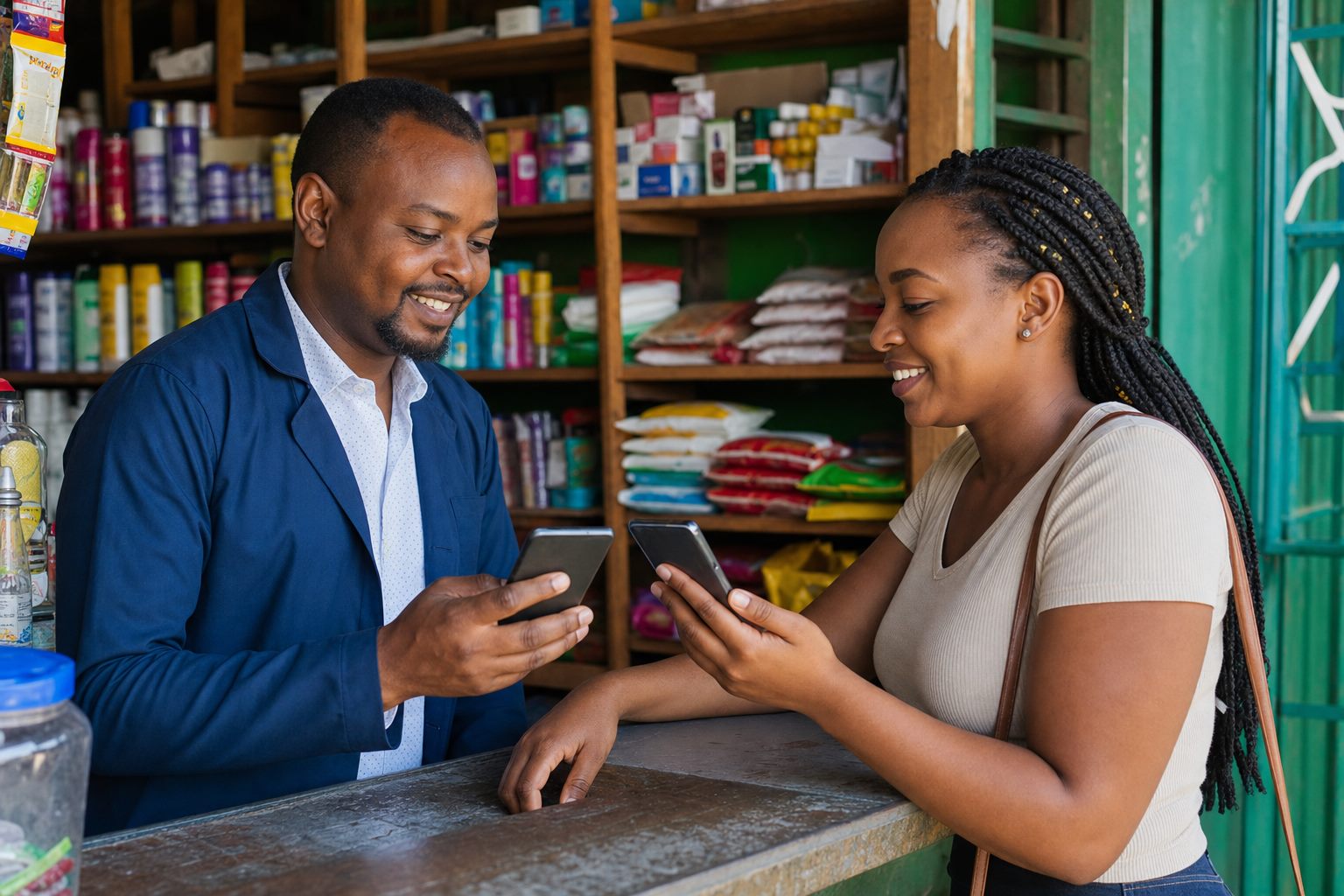
In many Kenyan businesses, when a customer pays via MPESA Paybill, a cashier or finance officer manually checks a phone for the Safaricom SMS, writes down the transaction code, and manually types it into a spreadsheet or POS system.
This manual workflow creates major operational friction: customers wait in line while staff search phone inboxes, orders are delayed during busy periods, and manual typing errors cause accounting discrepancies. Worse, businesses are vulnerable to fake payment SMS scams.
| Feature / Criteria | Manual MPESA Checks | Automated MPESA API Integration |
|---|---|---|
| Confirmation Speed | Slow (1 to 15 Minutes Delay) | Instant (< 2 Seconds Callback) |
| Fraud Vulnerability | High (Fake SMS & Screenshots) | Zero (Verified Safaricom Server Callback) |
| Customer Receipt | Manual SMS or Verbal Confirmation | Automated Instant SMS / WhatsApp Receipt |
| Reconciliation | Manual Spreadsheet Entry | Automated Real-Time Ledger Sync |
| Scalability | Limited by Staff Working Hours | 24/7/365 Continuous Processing |
2. How Automated MPESA Integration Works
With MobileSync MPESA integration, when a customer completes an MPESA transaction, Safaricom's Daraja API sends an instant encrypted HTTPS callback to the MobileSync gateway.
Our system instantly verifies the transaction amount, matches the account reference number, updates your system backend, and triggers an automated SMS receipt to the customer—all in less than two seconds.
🛡️ Regulatory & Compliance Standards (Kenya)
For organizations in Kenya, customer consent, data privacy, and telecom routes must be verified before launch:
- ODPC Compliance: Personal data collection must align with guidelines from the Office of the Data Protection Commissioner.
- CAK Telecom Licensing: Sender IDs, shortcodes, and USSD dial codes must use approved routes from the Communications Authority of Kenya.
📋 Next Steps for Your Team
Before requesting a proposal or demonstration from MobileSync, prepare the following items:
- Gather your Safaricom Paybill or Till number credentials.
- Map out the exact reference format customers should enter (Account Number, Student ID).
- Identify the database, website, or accounting ledger that needs callback updates.
- Define rules for unmatched payments or partial payment exceptions.